How Parley works
One conversation, end to end — what Parley does, what runs on the iPad, and what syncs to the cloud.
- 1
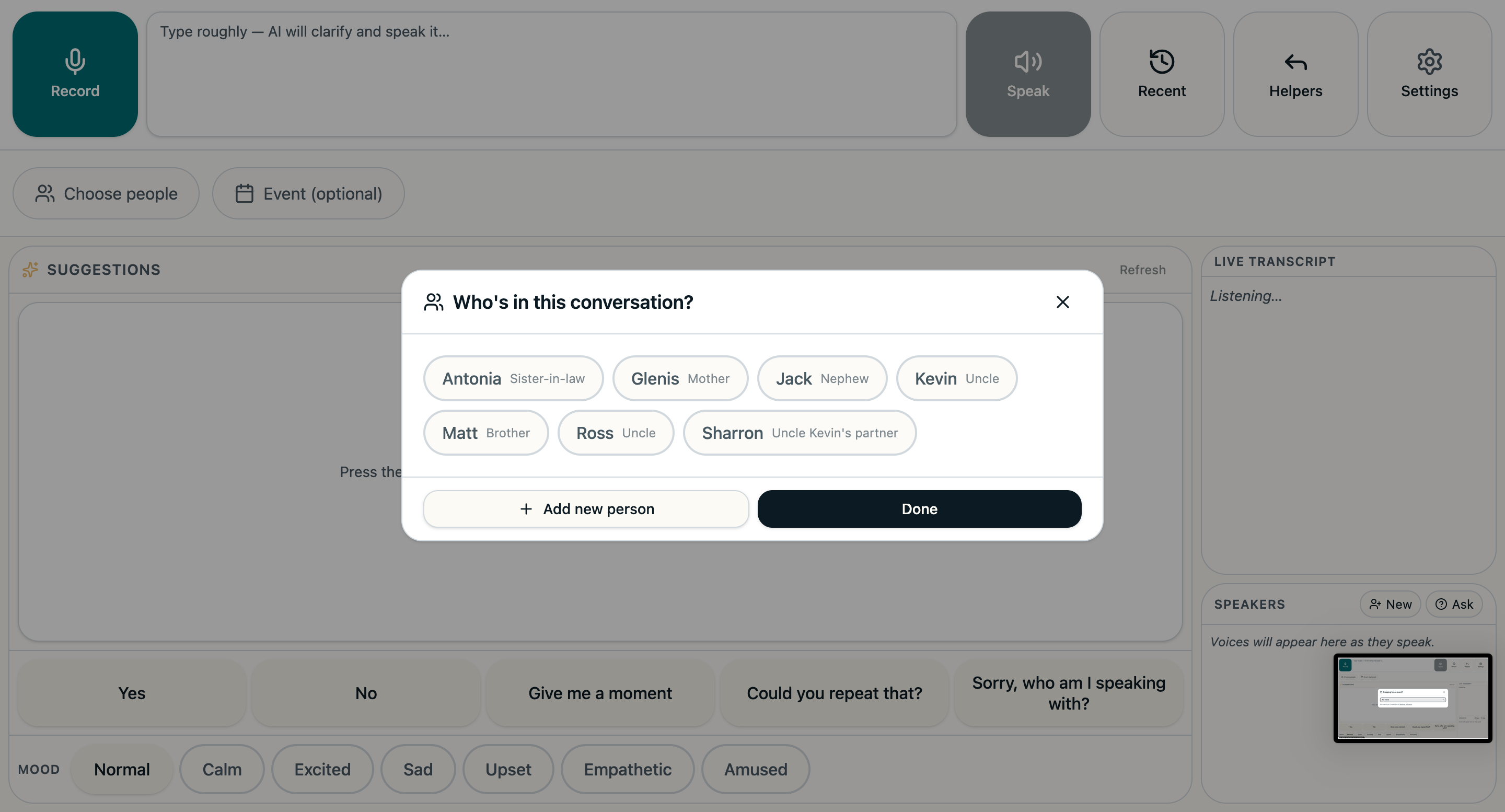
Set the scene
Tell Parley who's likely to be in the room — at home that's usually Mum, or whoever supports you. Parley uses that to make suggestions feel right from the start.
- 2
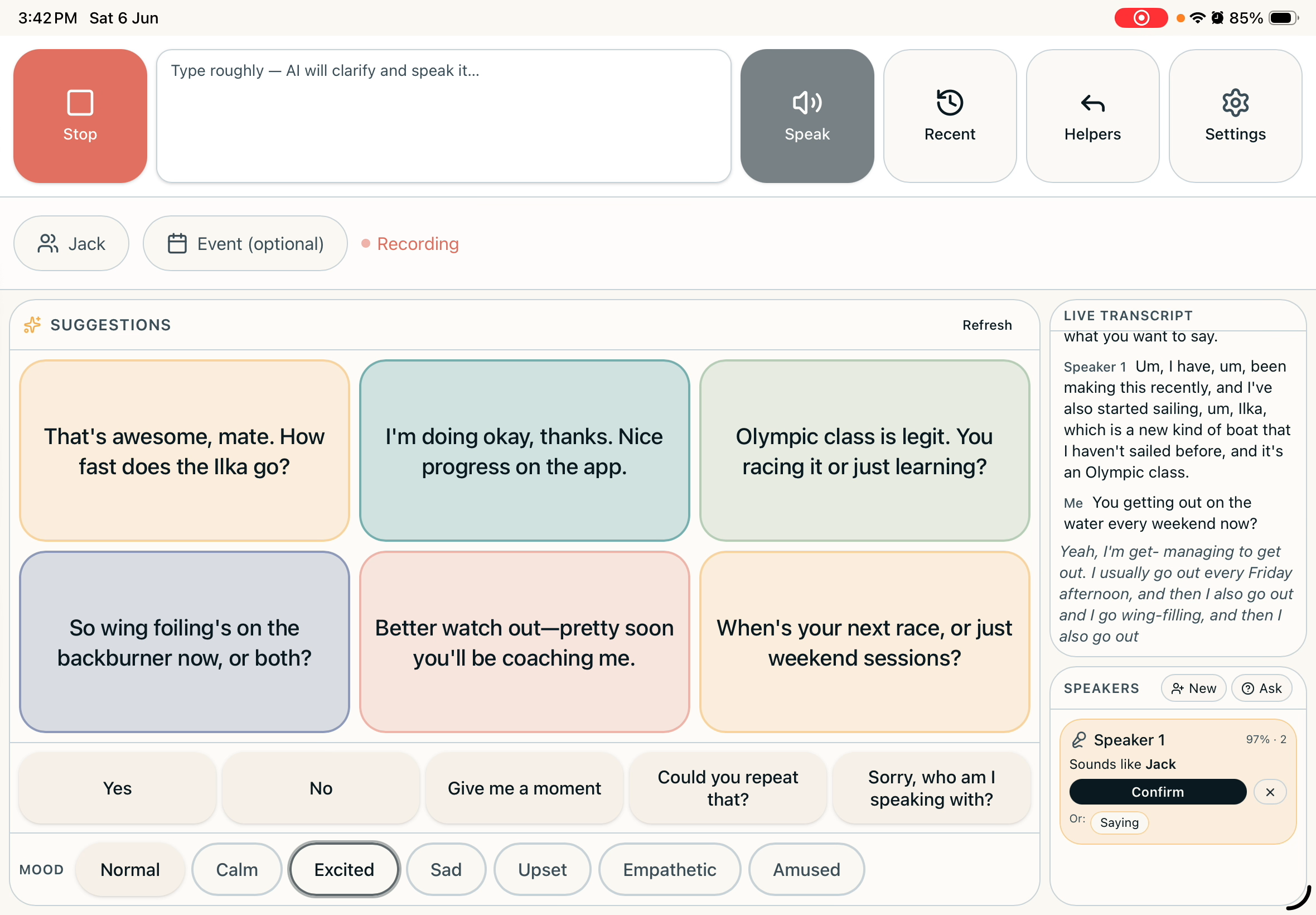
Press record
One large button. A live transcript appears as people speak, with each line attributed to the right person.
- 3
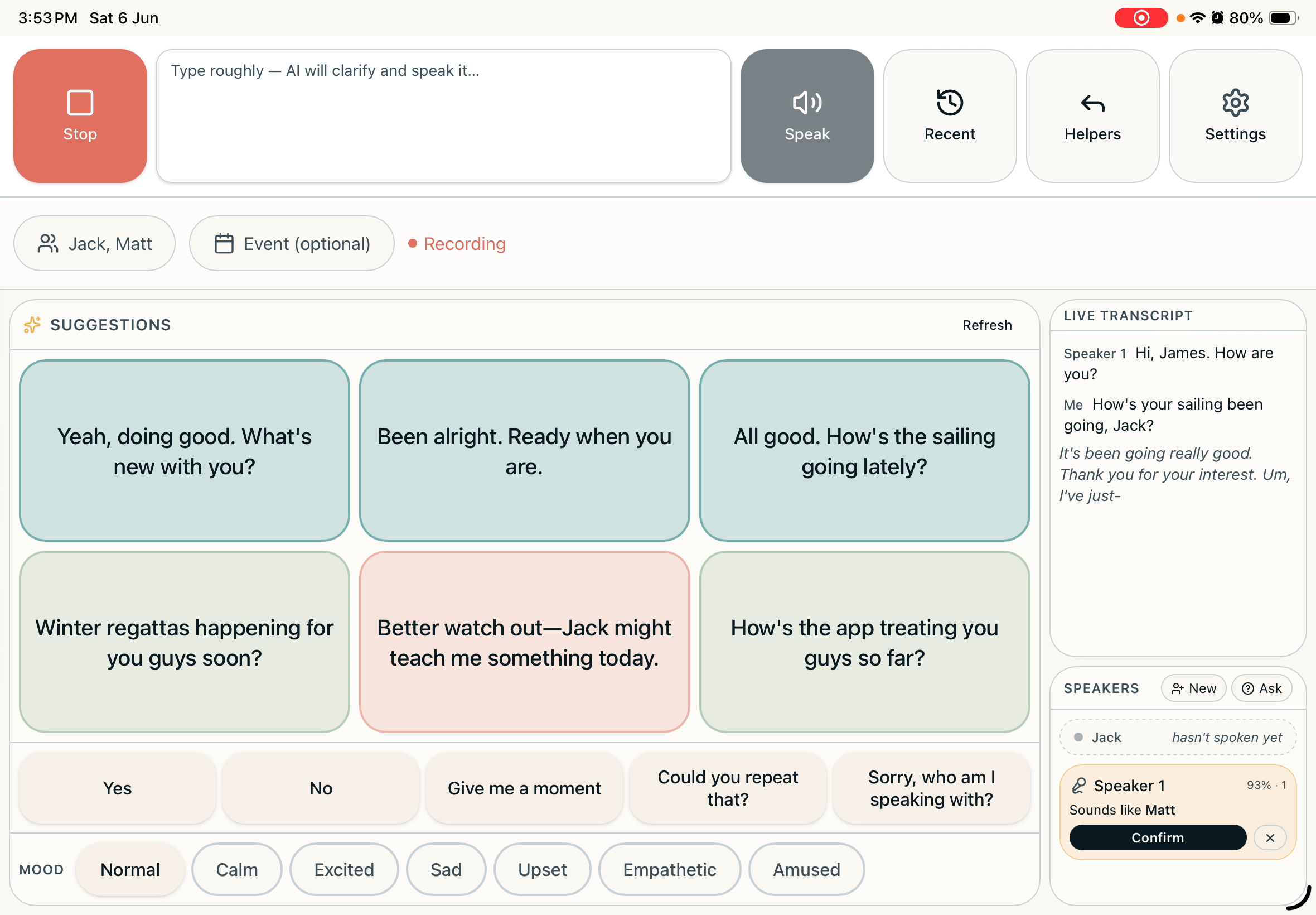
It knows who's speaking
Familiar voices get recognised on the iPad — no cloud lookup. Each line is labelled (Mum, Matt, Me).
- 4
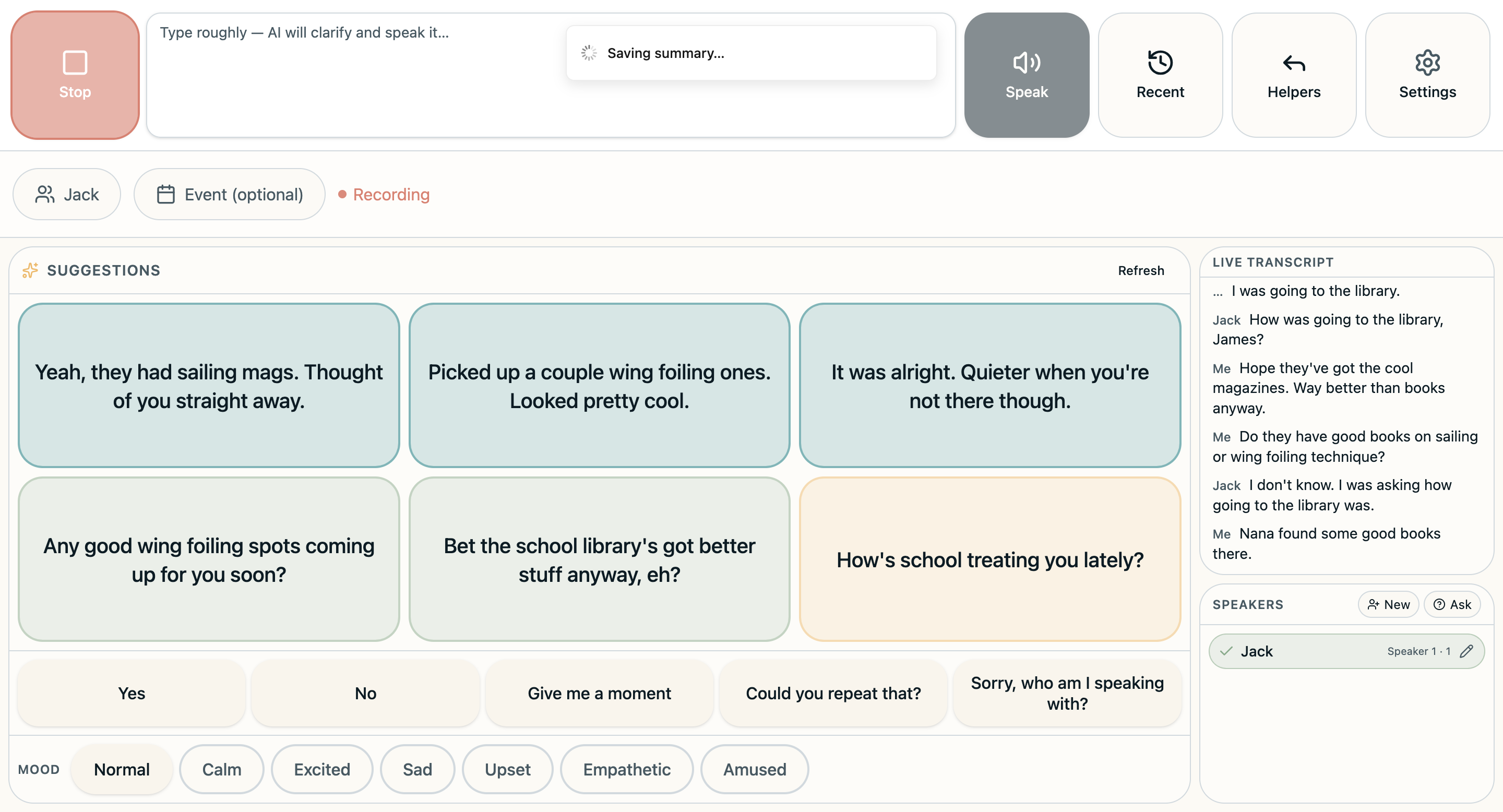
Tap to reply
Suggested replies appear within a second or two, tuned to what was just said and the mood you're in. Tap one — Parley speaks it aloud in your own voice.
- 5
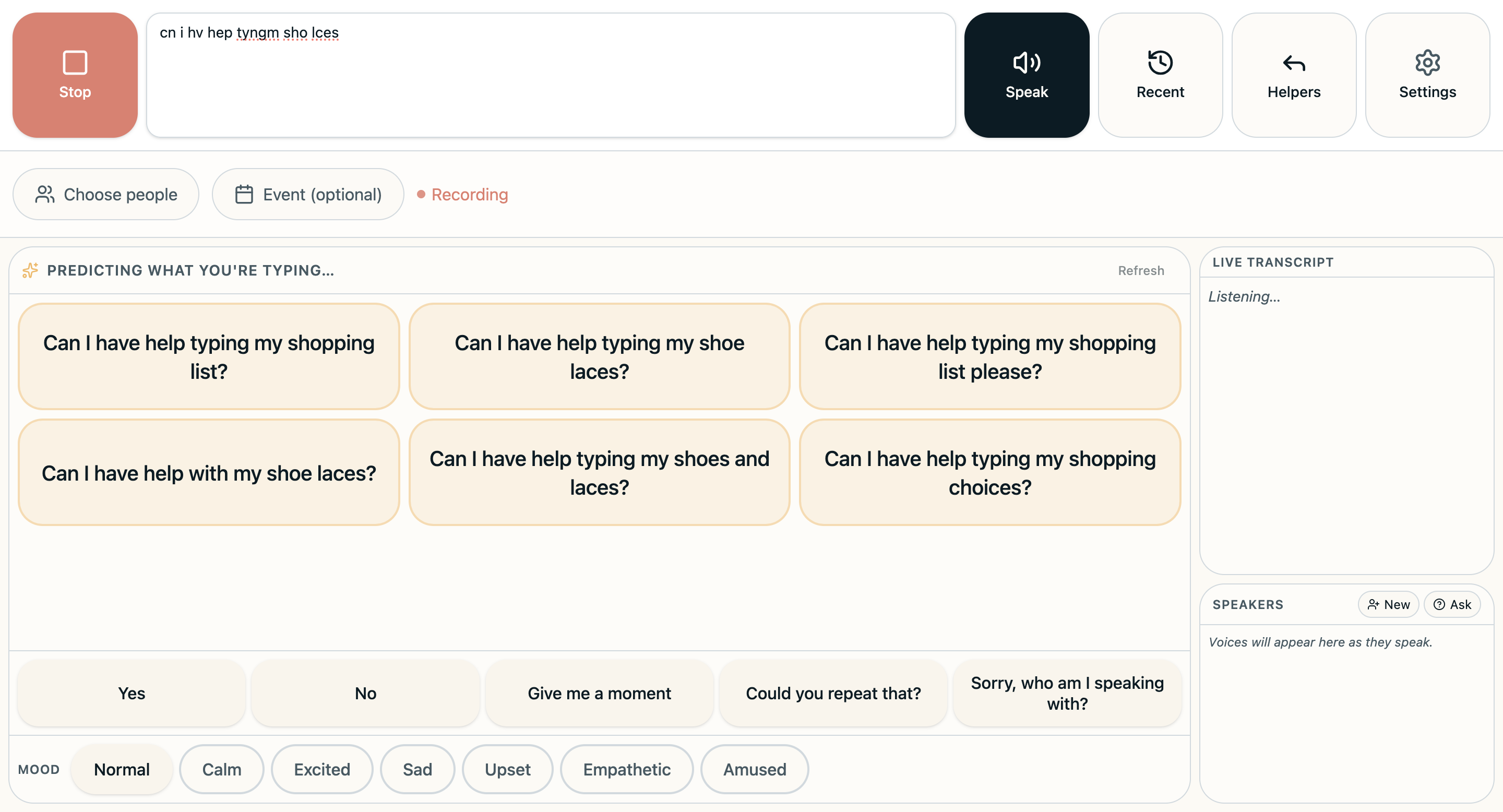
Your own words, faster
Type rough shorthand and Parley expands it into a full sentence. Quick phrases like 'Yes', 'No' and 'Give me a moment' are always there — pre-recorded so they speak instantly.
- 6
After the chat
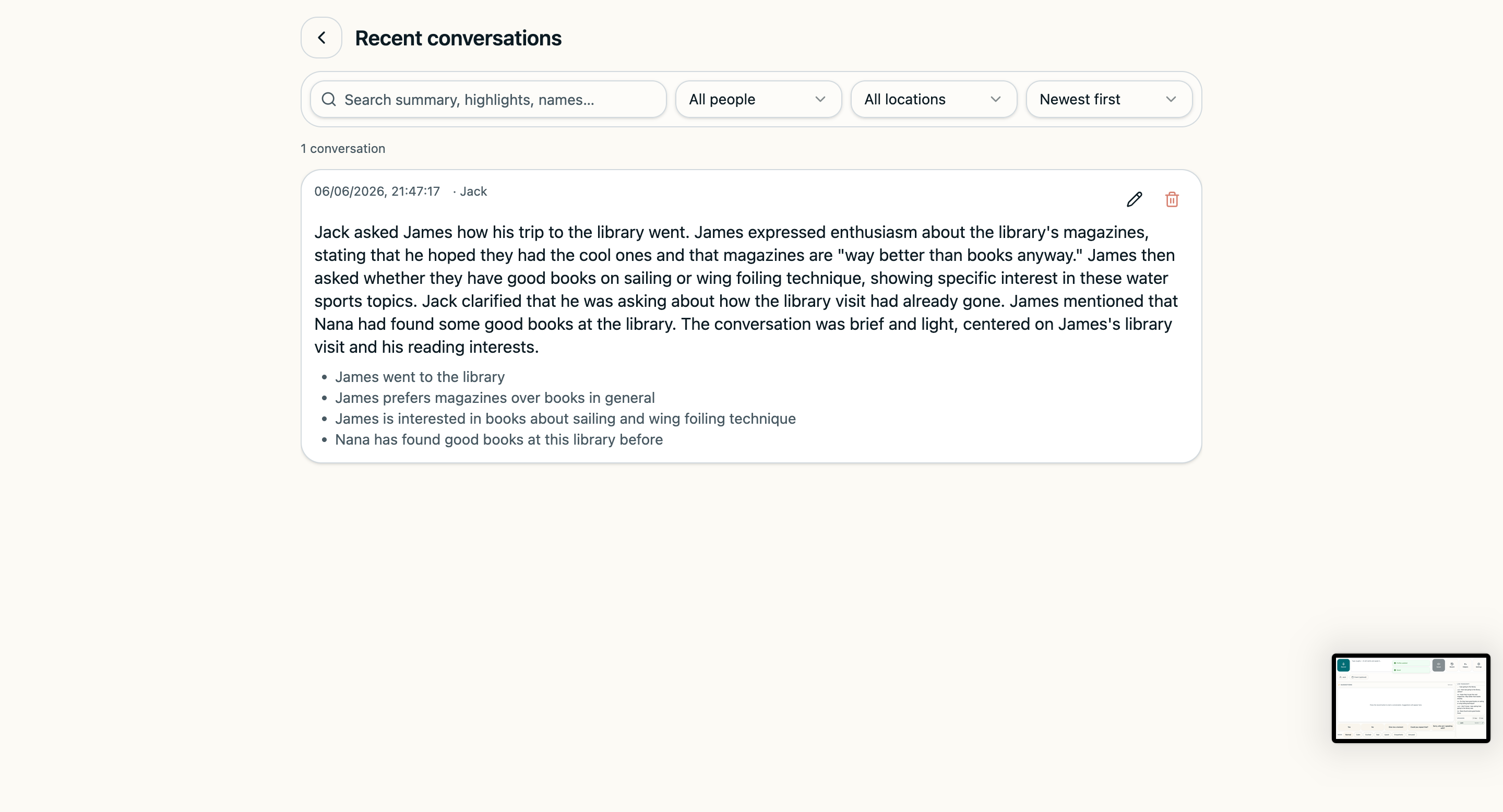
Parley writes a short summary, learns more about how you sound, and gets a little better at sounding like you next time.
That's the loop — listen, understand, suggest, speak — usually in a second or two.